Core engine
HurrCut Core Timeline
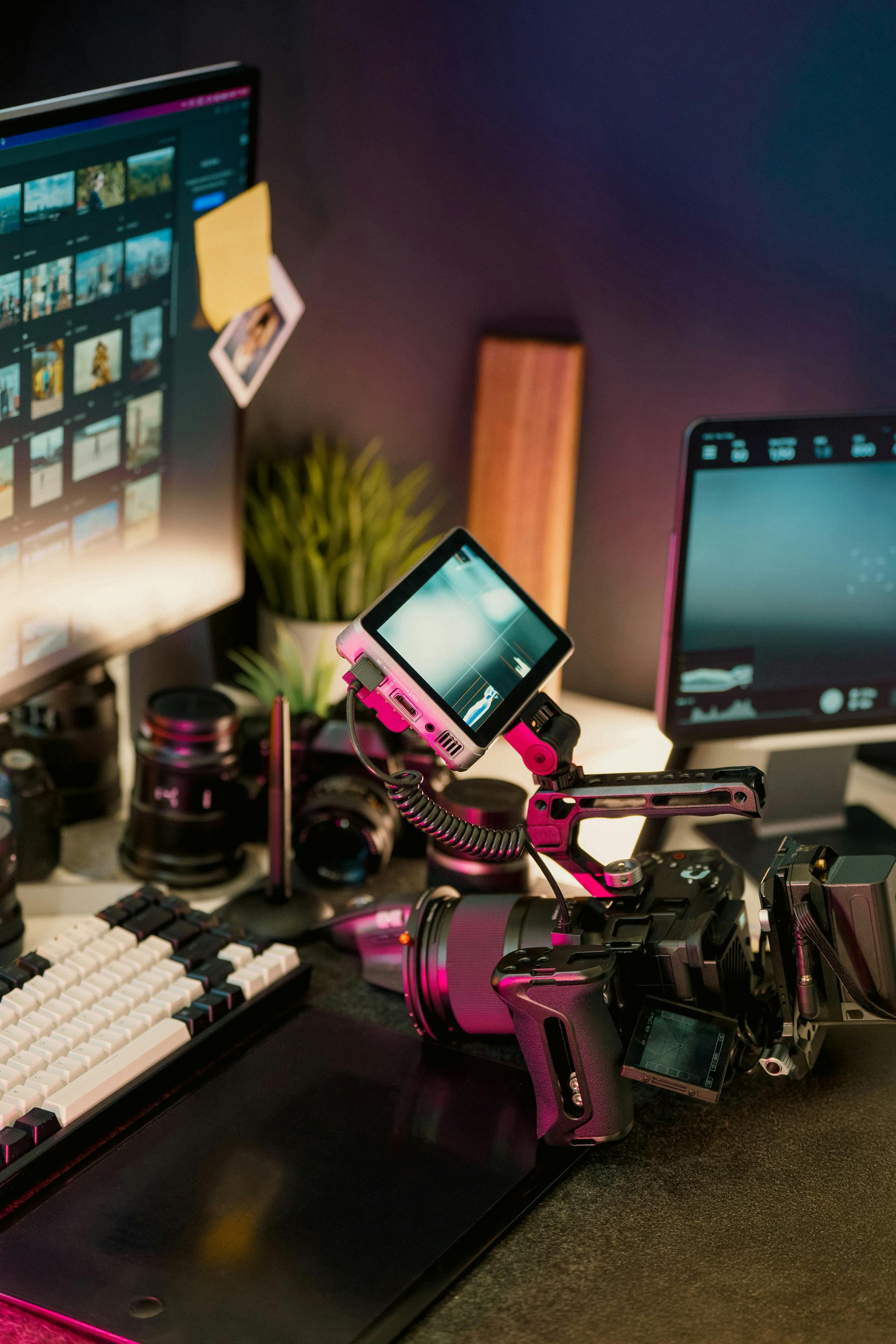
The editing surface is designed around one local timeline: media import, layered clips, captions, overlays, motion presets, and export checks without sending project files to a remote workspace.
HurrCut creative software
Stay in the flow with quick cuts, overlays, captions, screen recording, audio polish, and clean exports in one local-first creator timeline. No subscription drag, no cloud handoff required for the prototype.
Core engine
The editing surface is designed around one local timeline: media import, layered clips, captions, overlays, motion presets, and export checks without sending project files to a remote workspace.
Your creator suite
HurrCut keeps the pieces creators actually repeat close together: edit video, capture source material, polish audio, and prep exports without turning every short into a project-management chore.
Video editing that flows with you
Timeline editing, overlays, captions, effects, and clean export checks in a browser prototype today with a desktop-grade path later.
Explore AppCapture without workflow drag
Screen recording, camera recording, picture-in-picture reactions, and short-form layouts designed for creator workflows.
Explore AppAudio and motion polish
Music layers, fades, levels, caption timing, motion presets, and small finishing passes without leaving the timeline.
Explore AppEverything you need to get started
HurrCut should feel complete enough to try, while staying honest about the prototype. Start with quick creator workflows, then grow into template packs and desktop-grade export paths.
Creator tools
Competitor pages sell a finished ecosystem. HurrCut should sell the practical promise: local-first editing now, clear creator workflows next, and no fake claims about features that still belong on the roadmap.
Short-form companion
YouTube workflow
Professional creator controls
Automatic captions belong in the timeline, with manual correction and style presets before export.
Aspect ratio changes should preserve the subject and leave creators with manual framing control.
Project JSON keeps edits portable today; future sync can be added without making cloud storage mandatory.
Roadmap clarity
The near-term goal is a dependable local editor with capture, overlays, captions, and export checks. The longer-term path is Tauri packaging, stronger media handling, and account-backed settings without making cloud storage mandatory.
View RoadmapFrequently asked questions
Creators, influencers, educators, streamers, and solo editors who need fast timeline edits, overlays, captions, capture, and exports without starting in a heavyweight suite.
The current prototype runs in modern desktop browsers. The product direction includes Tauri desktop builds once the browser editor is stable enough.
Import support depends on the browser media stack. WebM export is available as the first fallback path, with FFmpeg WASM and desktop export lanes planned.
Use the roadmap and support links for now. Backend accounts, issue intake, and structured feedback forms are part of the auth and support TODOs.
Local-first editing, no cloud required
Free to try. Runs fully in your browser. No card required.